



o, here’s the deal, on paper, WorkRamp sounds amazing – slick UI, solid support team, and it really does a good job with onboarding and sales training. But once you dive in deeper (especially when you’re paying the kind of money they charge), you start noticing the cracks. Reporting feels limited, customization isn’t always flexible, and honestly… sometimes you just wonder if you’re getting the best bang for your buck.
That’s why a lot of teams end up poking around for alternatives. If you’re here, chances are you’ve already heard the hype around WorkRamp, but maybe you’re curious if the grass is greener on the other side. Let’s break it down.
By the way, it’s worth noting that WorkRamp was recently acquired by Learning Pool - a move that could influence future pricing, feature development, and product direction. Some users are optimistic about more resources being added, while others are waiting to see if it changes the platform’s flexibility or roadmap.
Why Do Users Look for WorkRamp Competitors?
Here’s what real users are saying about WorkRamp, straight from review sites:
Reporting frustrations
“The reporting functionality was not very robust. Additionally, we were unable to integrate with Salesforce, which prevented us from offering a single platform to our partners.” (Capterra Review)
“The reporting suite - for both employees and customers clouds - could be improved in terms of customization and schedule delivery options (e.g. SFTP).” (Capterre Review)
Multiple portal confusion
“I do wish that paths were a bit more intuitive so that we could have due dates per section - for example, I have an SDR onboarding path & I have each section broken out into a different day of the week, but I can only put a due date for the entire path.” (G2 Review)
“Not great for compliance-related training. Needs versioning, branching, equivalents, and edit logs. The employee and customer environments are completely different, including interfaces, configuration, features, and basic navigation. They need to be aligned.“ (G2 Review)
Feature & customization limitations
“Not a complete product just yet for external portal users. We hope to see this more and more feature-rich as time goes on, and they release a tool that looks just like their internal training” (Capterra Review)
“Some of the features lack the ability to customize, as well as some bumpiness in how it integrates with things like Outlook calendars.” (G2 Review)
“I wish there was more customization available. I like having the individual elements available in my courses, but would love to have more control over their appearance. Navigating the content creation back end was a little confusing at first, I wish it was a little more intuitive.” (G2 Review)
Cost/value concerns
Many users mention pricing feels steep compared to flexibility:
“The price. I have close to 200 employees, and it costs me around 18000.00” (Capterra Review)
“When compared to similar programs, WorkRamp's price tag is a little on the steep side. It's the top program since it has the most useful features.” (Capterra Review)
WorkRamp Pricing
WorkRamp doesn’t make pricing super transparent. You won’t find a neat $ per user/month plan on their website – you have to talk to sales. But here’s what’s been shared publicly:
- Users said: The user paid $18,000/year for 200 users (Capterra)
- Median annual price: Around $37,000/year for ~300 users (PriceLevel)
- Enterprise quotes: Some users report quotes in the $50,000/year range for “unlimited users” academies (Reddit thread)
- Cost depends on: number of learners, portals (employee vs customer academy), integrations (HRIS, SSO, CRM), and advanced features (AI assist, analytics, branding).
So while smaller orgs might get away with a lower package, most reviews agree WorkRamp is not cheap.
Let’s move forward and answer the question, what are some good alternatives to WorkRamp LMS.
1. EducateMe – The AI-First Corporate LMS That’s Actually Flexible
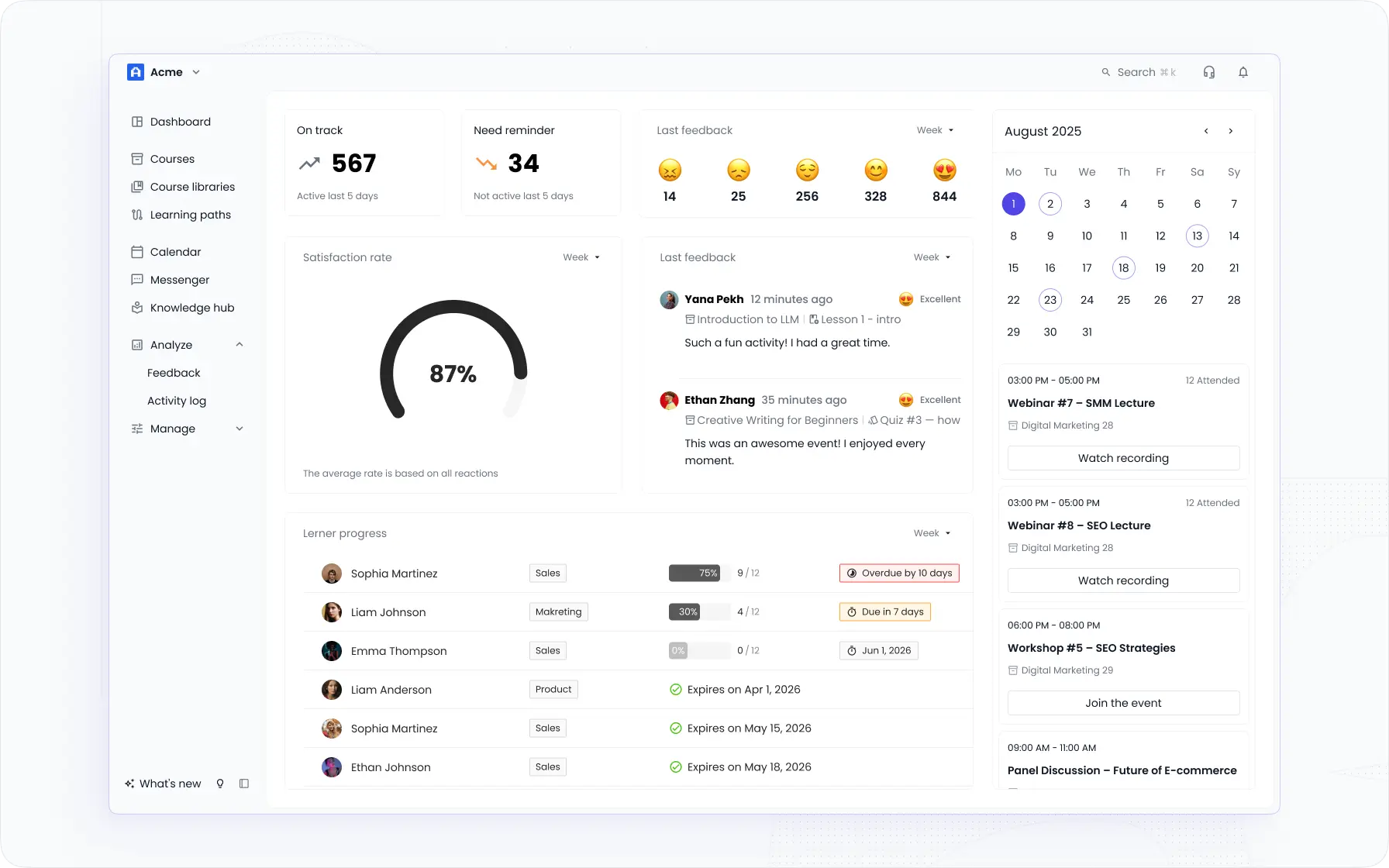
I ranked EducateMe first because it's undoubtedly one of the most innovative WorkRamp competitors out there. I was impressed by how easy it’s to use, its advanced white-labeling options, and how quickly the team responds with updates when requested (and it’s not just me saying this – that’s what other customers are highlighting too).
You can easily run various online training programs like employee onboarding, upskilling, extended enterprise, and customer training. With its extended integration via API and Zapier, EducateMe enables users to quickly set up and launch fully branded courses within hours.
This corporate LMS integrates powerful learning automation and engagement tools, live sessions, detailed analytics, AI-powered course creation, AI Roleplay Coach, AI Search, video conferencing, and networking features, all in one user-friendly platform.
Best For: Thanks to its flexibility, EducateMe fits perfectly for startups, mid-sized companies, and enterprises seeking AI-driven, customizable, and cost-efficient training.
Why Is EducateMe The WorkRamp Alternative You Need to Try?
- AI built in, not added on — AI Assistant for course creation, editing, translation, and content improvement; AI Roleplay Coach for sales, support, and onboarding practice; Ask AI for learners directly inside courses
- One consistent environment — employees, customers, and partners all trained in separate branded spaces under one account, with unified reporting and smart role management
- Fast time-to-value — 3x faster course creation (customer data); 1.8x faster onboarding (Oboard.io case study); courses can be launched within hours
- Full white-label and multi-tenancy — personalised visuals, labels, scripts, SSO; separate branded portals per client, department, or partner
- 1,000+ integrations — API, Zapier, and Iframe connections; doesn't require specialist technical setup
Get to know EducateMe with a free trial. Explore the platform your way with full access and an AI assistant included.
Limitations
- No dedicated mobile app yet (web app works well on mobile, though).
- Gamification (badges, points) is minimal.
- Some advanced integrations need manual setup.
Main AI Capabilities
- AI Course & Lesson Generation: create full courses, lessons, and modules from a prompt, document, link, or existing materials
- AI Roleplay Coach: simulate real conversations — sales calls, customer support, performance reviews — with AI personas and receive detailed performance feedback
- Ask AI for Learners: learners get instant, contextual answers directly inside the course without searching externally
2. 360Learning – Collaborative LMS with Smart AI-Powered Learning
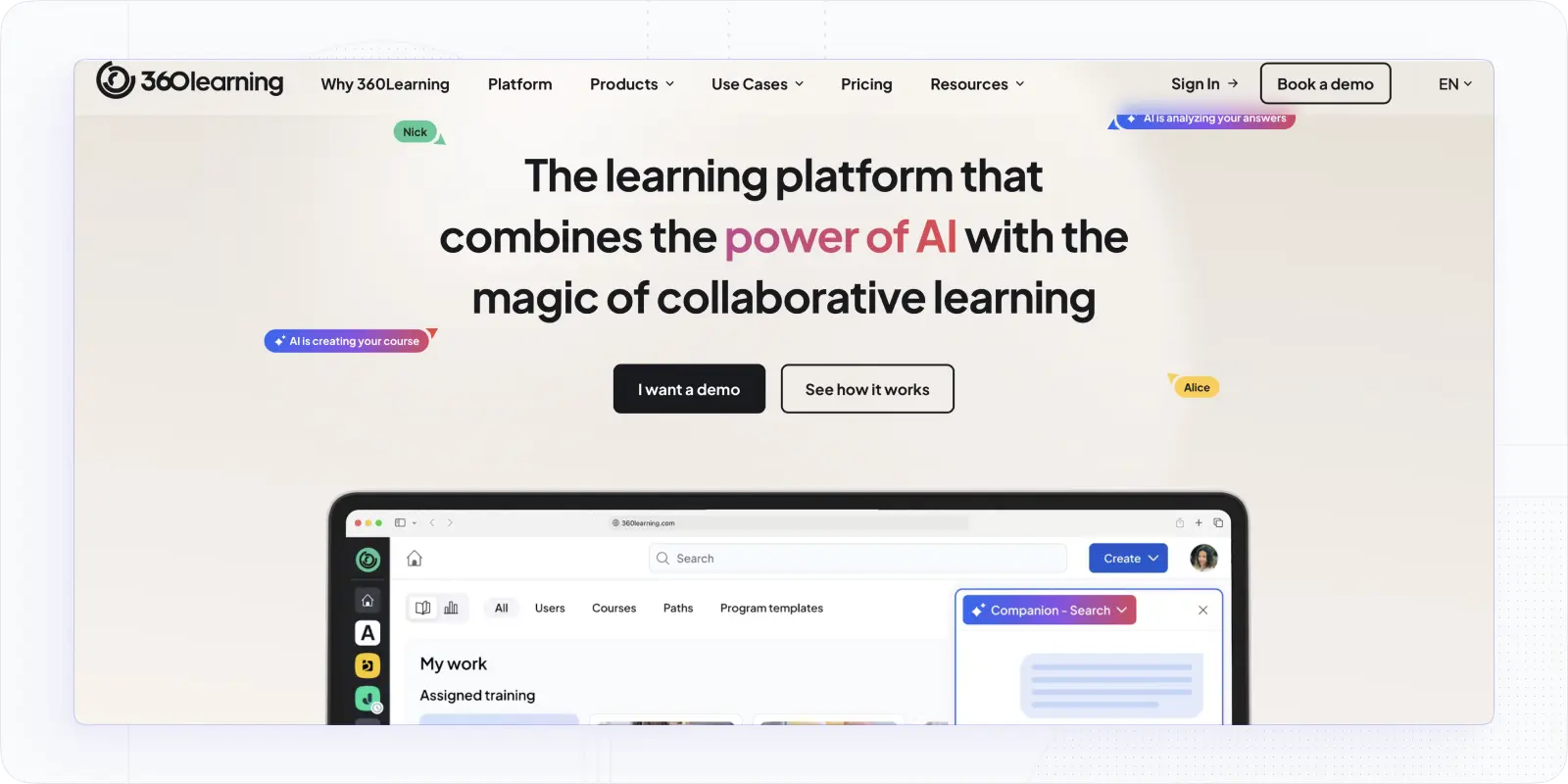
360Learning perfectly combines collaboration with AI-driven learning, making it one of the most modern and engaging WorkRamp alternatives available. That model solves the bottleneck WorkRamp creates: when content production depends entirely on the L&D function, it slows down fast-moving teams.
The platform has shipped meaningfully in the past year. The AI Companion now covers bulk course management — admins can update authors, tags, archive status, and catalog sharing across up to 500 courses at once in plain language. Inline AI editing lets authors generate content, adjust tone, and fix grammar directly inside the course editor. Positioning quizzes at the start of learning paths automatically waive content for learners who already demonstrate sufficient knowledge — a practical answer to one-size-fits-all training that WorkRamp doesn't offer. The Skills layer has also matured: learners now see a personal upskilling plan on their homepage based on their current job's skill gaps.
Best For: Ideal for mid-sized organizations and large teams that value peer learning, knowledge sharing, and AI-guided course creation without overwhelming admin complexity.
Why 360Learning Is Worth Trying
- AI generates quizzes and assessments automatically from uploaded content.
- Collaborative features encourage team-driven knowledge sharing.
- AI recommendations personalize each learner’s path.
- Built-in authoring tools simplify course design.
- Integration-friendly with systems like Salesforce and HR tools.
Limitations
- Limited branding customization.
- Analytics are solid but not deeply customizable.
- Can feel feature-heavy for smaller teams.
Pricing: Starts from $8 per user/month, billed annually, with enterprise plans available.
Main AI Capabilities
- AI Companion: ask questions about training data — completion rates, scores, time spent — directly in chat; answers filtered by group, session, and custom fields
- Inline AI Editing: generate cheat sheets from prompts or refine existing text by adjusting tone, adding examples, or fixing grammar directly inside the course editor
- Positioning Quizzes: place an AI-assessed quiz at the start of a learning path; automatically waive content for learners who demonstrate existing knowledge
3. Docebo – Enterprise LMS with Robust AI Personalization and Analytics

Docebo is an enterprise-grade AI LMS with a strong track record in large, complex organisations. If WorkRamp's limitations around compliance, fragmented portals, and reporting are the issues driving you to look elsewhere (and you're operating at enterprise scale with global teams) Docebo is a serious option.
Three meaningful updates landed in 2026 that are worth knowing about. AI audio narration in Creator lets teams generate voice narration directly inside lessons, with a choice between conversational tone and closer text delivery. Images in AI-generated Creator lessons now appear automatically during lesson generation, pulled from your uploaded documents or generated by AI. And Docebo Companion is the most interesting addition: a browser extension that surfaces the right training content inside whatever tool the employee is already using — no technical setup, no separate login. For WorkRamp users frustrated by having to push learners back to the platform, this is a meaningful shift.
Best For: A perfect fit for enterprises with large global teams that require AI-powered automation, deep integrations, and detailed analytics.
Why Docebo Stands Out
- AI-driven content generation with Docebo Shape.
- Personalized recommendations for every learner.
- Chatbots and AI assistants enhance user engagement.
- Extensive integration library for CRM and HR systems.
- Robust analytics and reporting for compliance and ROI tracking.
Limitations
- Higher cost for full AI suite.
- More complex setup for administrators.
- Customization requires technical support.
Pricing: There is no official pricing on the website, but users say that it starts around $10 per user/month, with tailored enterprise quotes available.
Main AI Capabilities
- Docebo Companion: browser extension delivering contextual learning in the flow of work, across any tool the learner uses; plug-and-play, no technical overhead
- AI Audio Narration: generate voice narration inside Creator lessons; choose between conversational or text-faithful delivery
- AI Sales Roleplay: practice sales calls, objection handling, and difficult conversations with AI personas; receive detailed, actionable feedback
4. LearnUpon – Simple, Scalable LMS with Smart AI Recommendations
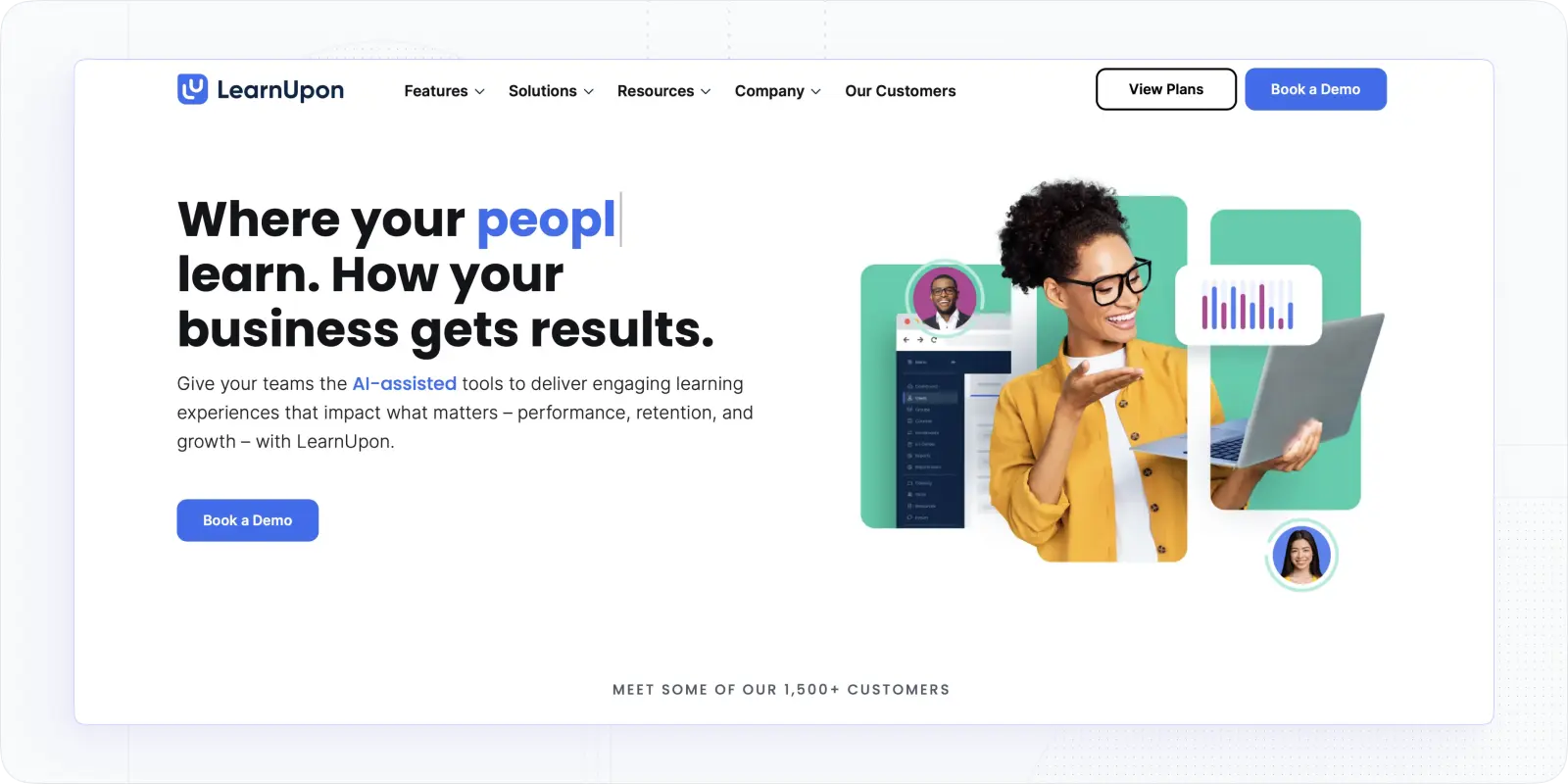
LearnUpon is a practical, well-built LMS that consistently earns strong marks for ease of use and customer support — two things WorkRamp handles reasonably well too, which makes this a genuine comparison rather than an obvious upgrade. Where LearnUpon pulls ahead is in multi-audience management and the cleanliness of its reporting.
The AI tooling is functional rather than market-leading. You can generate full courses, assessments, and multimedia content through generative AI, and the Reflection Coach adds a layer of active learning that most platforms skip. One thing worth knowing: LearnUpon uses Microsoft Azure to process content for AI question generation, which means content flagged by Azure's policy guidelines won't generate questions — something to check if your training covers sensitive topics.
Best For: Great for mid-sized to enterprise organizations needing multi-audience support and scalable learning management with improving AI capabilities.
Why LearnUpon Deserves Attention
- Multi-portal setup for different audiences under one account.
- Smart recommendations based on learner activity.
- Streamlined reporting and analytics for progress tracking.
- Integration with HR tools and SSO providers.
- Strong reputation for responsive customer support.
Limitations
- AI features are less advanced than competitors.
- Custom branding options limited.
- Gamification features are basic.
Pricing: There is no available pricing on the website, but it starts around $7-10 per user/month with custom enterprise options.
Main AI Capabilities
- Generative AI for Course Creation: build entire courses, exams, summaries, and multimedia content in seconds from existing materials
- AI-Powered Assessments: instantly generate relevant, personalised exams to evaluate employee comprehension
- Interactive Reflection Coach: a smart bot that prompts learners to reflect on and engage more deeply with course content after completing it
5. Sana Labs – True AI-First LMS for Adaptive Learning at Scale
.webp)
Sana Labs was acquired by Workday in November 2025 for $1.1 billion, which is a significant data point either way you read it. On one hand, it validates the platform's AI capabilities and signals serious investment in the product's future. On the other, it means Sana is now part of a large enterprise software organisation, with everything that implies for roadmap priorities, pricing trajectory, and mid-market accessibility.
If you're already a Workday customer looking at WorkRamp alternatives, Sana is the most natural fit — the integration between Workday's HR data and Sana's learning layer is the whole point of the acquisition. If you're not a Workday customer, the calculus is different.
The most notable recent product update: AI Tutor sessions can now be embedded directly in courses. Authors set the sources the Tutor draws from (other courses, PDFs, or web pages), define the outline of what it covers, and the Tutor appears in the course flow alongside assessments and reflections. For organisations where learners arrive with different experience levels, this solves the one-size-fits-all content problem more elegantly than most platforms.
Best For: Ideal for tech-forward enterprises and fast-scaling teams seeking automated course creation, AI coaching, and real-time personalization.
Why Sana Labs Is a Strong Choice
- AI builds courses from text, video, or PDFs.
- Adaptive learning adjusts difficulty and path automatically.
- A built-in AI assistant answers questions instantly.
- Strong analytics for engagement and outcomes.
- Simple, elegant interface designed for scale.
Limitations
- Premium pricing with enterprise focus.
- Limited custom branding options.
- Lacks advanced multi-portal management.
Pricing: Starts from $13/license/mo with minimum commitment of 300 users.
Main AI Capabilities
- AI Tutor Sessions in Courses: embed an AI Tutor card directly in the course flow; authors define the sources and scope; learners interact with it alongside standard content
- AI-Powered Knowledge Assistant: natural language questions get instant answers drawn from internal courses, documents, and knowledge bases
- Personalised Learning Paths: AI adapts training recommendations based on role, behaviour, and skill profile
Quick Workramp Cpmpetitors Comparison
Final Thought
When it comes down to it, WorkRamp remains a capable platform, especially for companies that prioritize onboarding and sales enablement. But as many users have pointed out, its limited customization, reporting gaps, and steep pricing can make it tough to justify the cost.
Fortunately, the LMS market in 2025 offers plenty of smarter, more flexible options. Platforms like EducateMe and Sana Labs are pushing the boundaries with AI-first learning and automation, while 360Learning, Docebo, and LearnUponstrike an impressive balance between collaboration, scalability, and analytics.
Looking for a smart, scalable, and genuinely user-friendly WorkRamp alternative? Try EducateMe first – it brings together AI-powered learning, collaboration, and customization in one sleek platform. You can discover it for free for 14 days and see the difference yourself.
Frequently asked questions
Is WorkRamp still worth buying after the Learning Pool acquisition?


It depends on your timeline and risk tolerance. WorkRamp continues to operate as a standalone product within Learning Pool's portfolio, and existing customers aren't being migrated anywhere immediately. The practical concern is roadmap uncertainty — acquisitions typically mean 12–18 months of integration work before customers see meaningful product changes, and priorities can shift. If you're signing a multi-year contract now, that's a real consideration. If you're already on WorkRamp and happy with current functionality, there's no urgent reason to leave.
Which WorkRamp alternative is easiest to migrate to?
LearnUpon has the lowest switching friction for most mid-market teams — clean multi-portal setup, strong onboarding support, and straightforward SCORM import for existing course content. EducateMe is worth considering if you want to rebuild courses using AI rather than migrating them wholesale; the AI Assistant can regenerate content from documents or briefs, which often produces better output than importing old SCORM files anyway. Avoid platforms requiring long implementation cycles (Docebo, Cornerstone) if a fast transition is a priority.
What's the main difference between WorkRamp and EducateMe?
WorkRamp is strong for sales enablement and onboarding but keeps employee and customer training in separate environments with different UIs, configurations, and features — something users consistently flag as frustrating. EducateMe runs all audiences (employees, customers, partners) under one account with separate branded spaces and unified reporting. The other meaningful difference is AI depth: EducateMe has AI built into course creation, learner support, and admin automation as core functionality, not as an add-on tier.
How do these WorkRamp alternatives handle customer and partner training?
This is where WorkRamp's fragmented portal problem hurts most. EducateMe and LearnUpon both support multi-audience management under one account — separate branded environments for employees, customers, and partners with distinct content, roles, and reporting. Docebo handles this at enterprise scale with extended enterprise functionality. 360Learning is primarily built for internal teams and doesn't handle external customer or partner academies as cleanly. Sana Labs, post-Workday acquisition, is oriented toward internal workforce learning rather than customer education. If extended enterprise training is a primary use case, EducateMe or LearnUpon are the most direct solutions at mid-market scale.
Our top picks
Best AI-Powered

EducateMe
EducateMe is an AI-first corporate LMS offering flexible training, automation, and white-labeling.
Try EducateMe for freeBest for Enterprises
Docebo
Docebo is a scalable LMS with AI-powered workflows, a course marketplace, skills development tools, mobile access, and gamification.
Try EducateMe for freeEngagement

360 Learning
360Learning is a collaborative LMS that blends AI-driven learning, peer knowledge sharing, and smart automation.
Try EducateMe for free